




Adding a Built-In Cable Cover
In this How To AcroSketch video, we walk through how to add a built-in mat channel or cable cover to your custom anti-fatigue mat design using the Cable Cover tool.
Traditional cable covers are raised 2-3 inches off the ground, require you to step carefully, and can trip-up fast-moving workers and wheeled traffic. Conversely, AcroMat built-in mat channels, or cable covers, are flush with and as flat as the mat itself.
Adding A Built-In Cable Cover: How to add a built-in mat channel / cable cover to your custom anti-fatigue mat design using the Cable Cover tool.
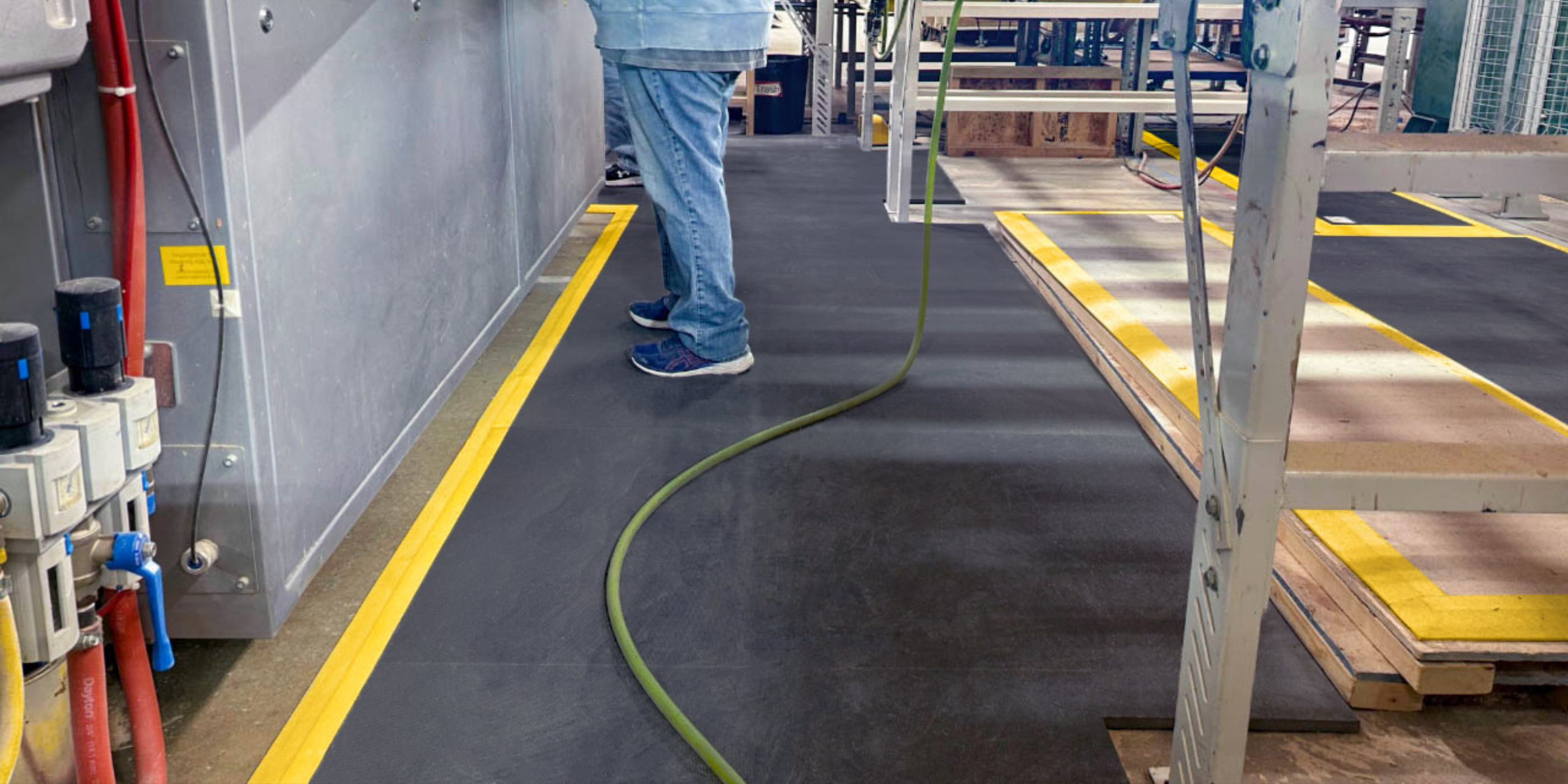
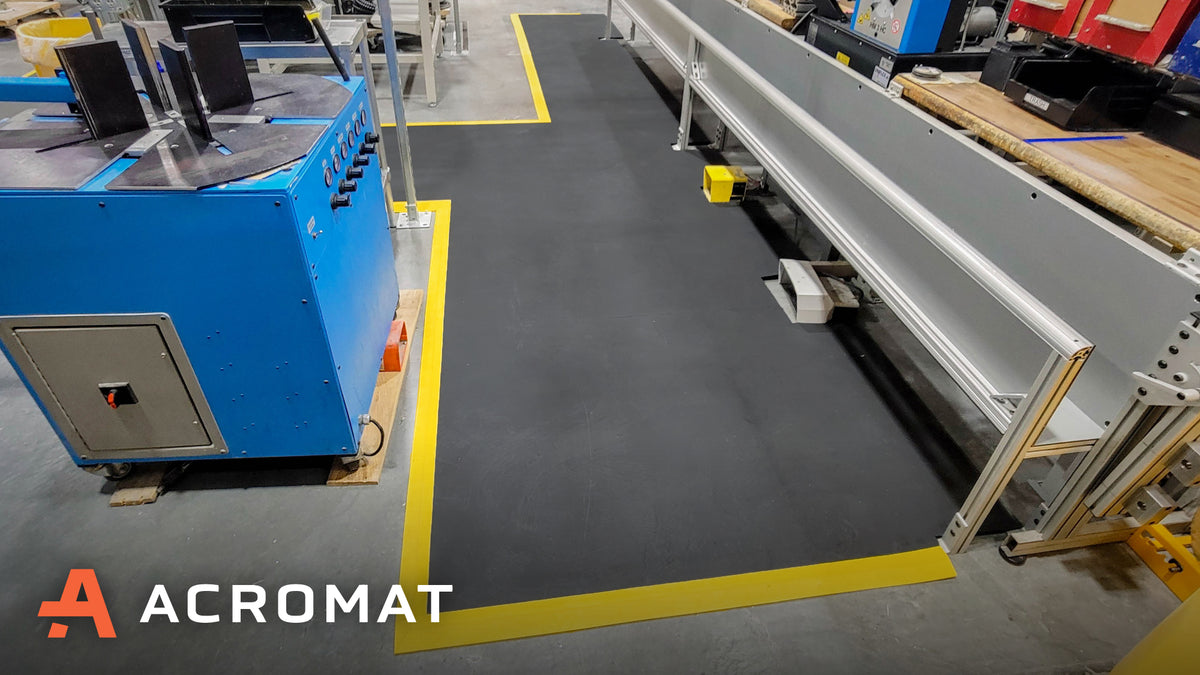
 Designed with AcroSketch, this custom NitriTuf Diamond Series mat includes a built-in cable covers with yellow borders to safely manage cords and support spatial awareness.
This video is part of How To AcroSketch, a comprehensive video library designed to help you master our custom anti-fatigue mat building tool. The video library features a series of 2-minute explainer videos that walk you through every feature within AcroSketch.
Our goal with How To AcroSketch is to give you the tools you need to design your custom anti-fatigue mats quickly, with confidence, and without limit. Do you need help measuring your workspaces and/or designing your custom mats? Our team is readily available to lead the process on your behalf, from start to install.
Jump back to the How To AcroSketch video library, here.