



Adding Yellow Safety Stripes
In this How To AcroSketch video, learn how to add yellow safety stripes to your custom anti-fatigue mat designs to elevate spatial awareness.
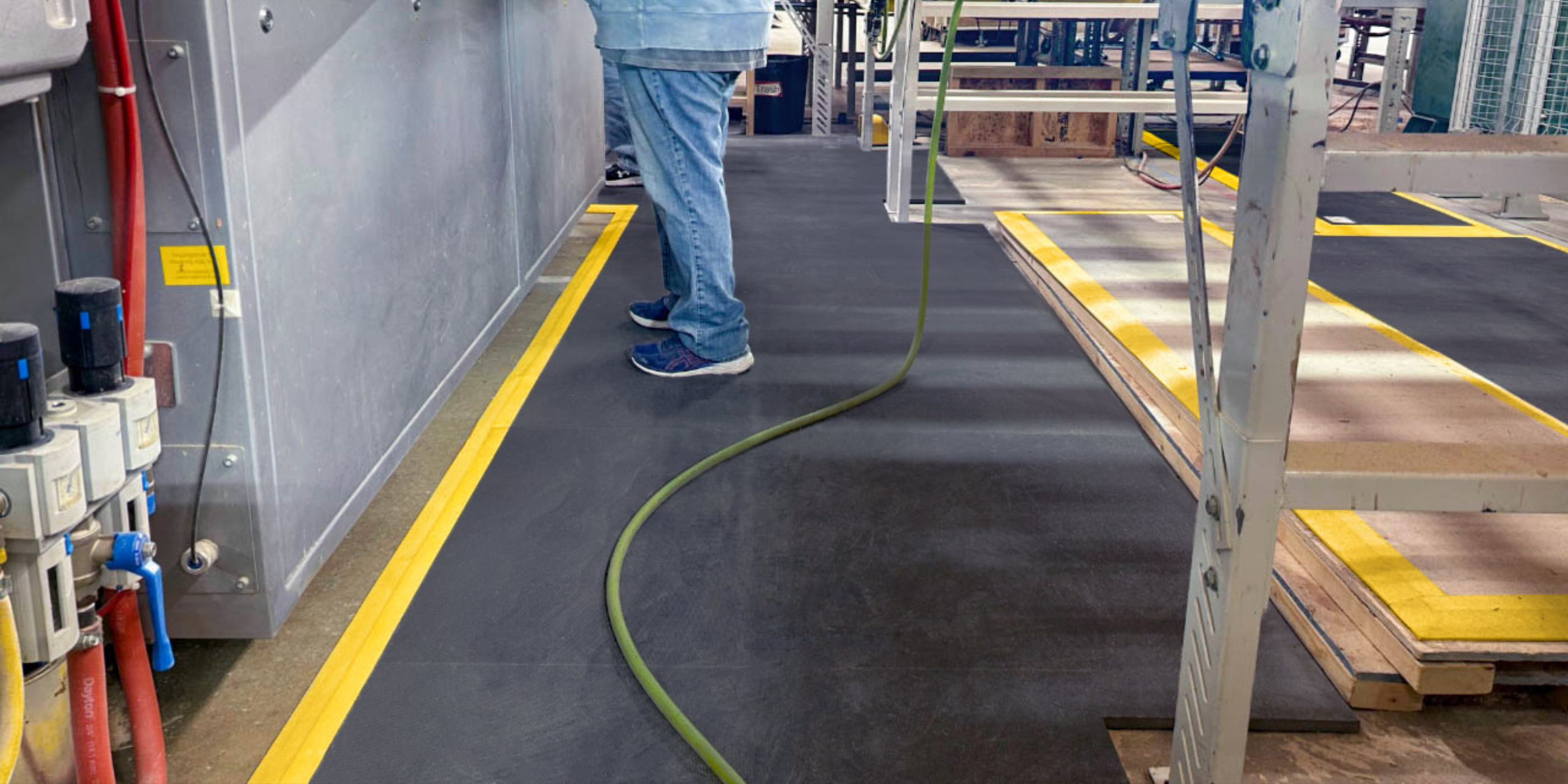
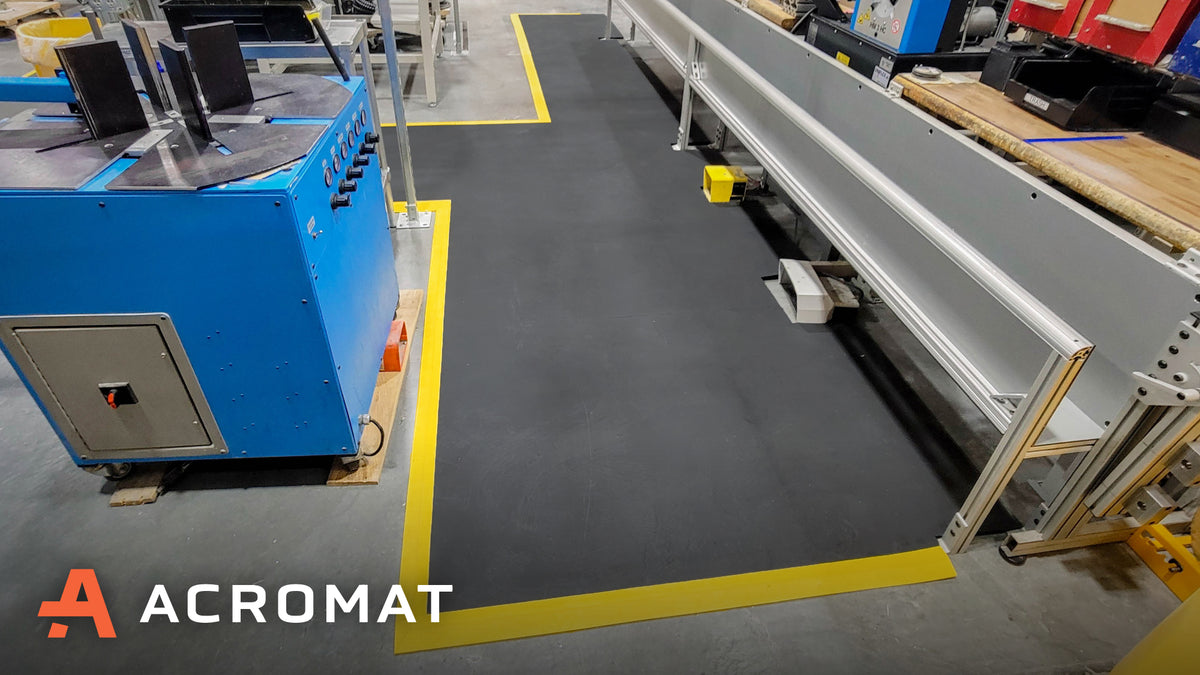
Yellow safety stripes help keep employees from getting too close machinery and support spatial awareness by highlighting elevation changes. They are physically part of the mat and made from the same molded nitrile material. Unlike flimsy tapes and painted on stripes, our approach ensures they will not fade or peel.
Adding Yellow Safety Stripes: Learn how to add yellow safety stripes to your custom anti-fatigue mat designs to elevate spatial awareness.
 With AcroSketch, this industrial manufacturer added yellow safety stripes to their custom anti-fatigue mats to keep employees from getting too close to running machinery.
This video is part of How To AcroSketch, a comprehensive video library designed to help you master our custom anti-fatigue mat building tool. The video library features a series of 2-minute explainer videos that walk you through every feature within AcroSketch.
Our goal with How To AcroSketch is to give you the tools you need to design your custom anti-fatigue mats quickly, with confidence, and without limit. Do you need help measuring your workspaces and/or designing your custom mats? Our team is readily available to lead the process on your behalf, from start to install.
Jump back to the How To AcroSketch video library, here.