



How To Use The Seam Tool
In this video, find out how to use Seam tool within AcroSketch – including how unbonded seams can help with custom anti-fatigue mat design and installation.
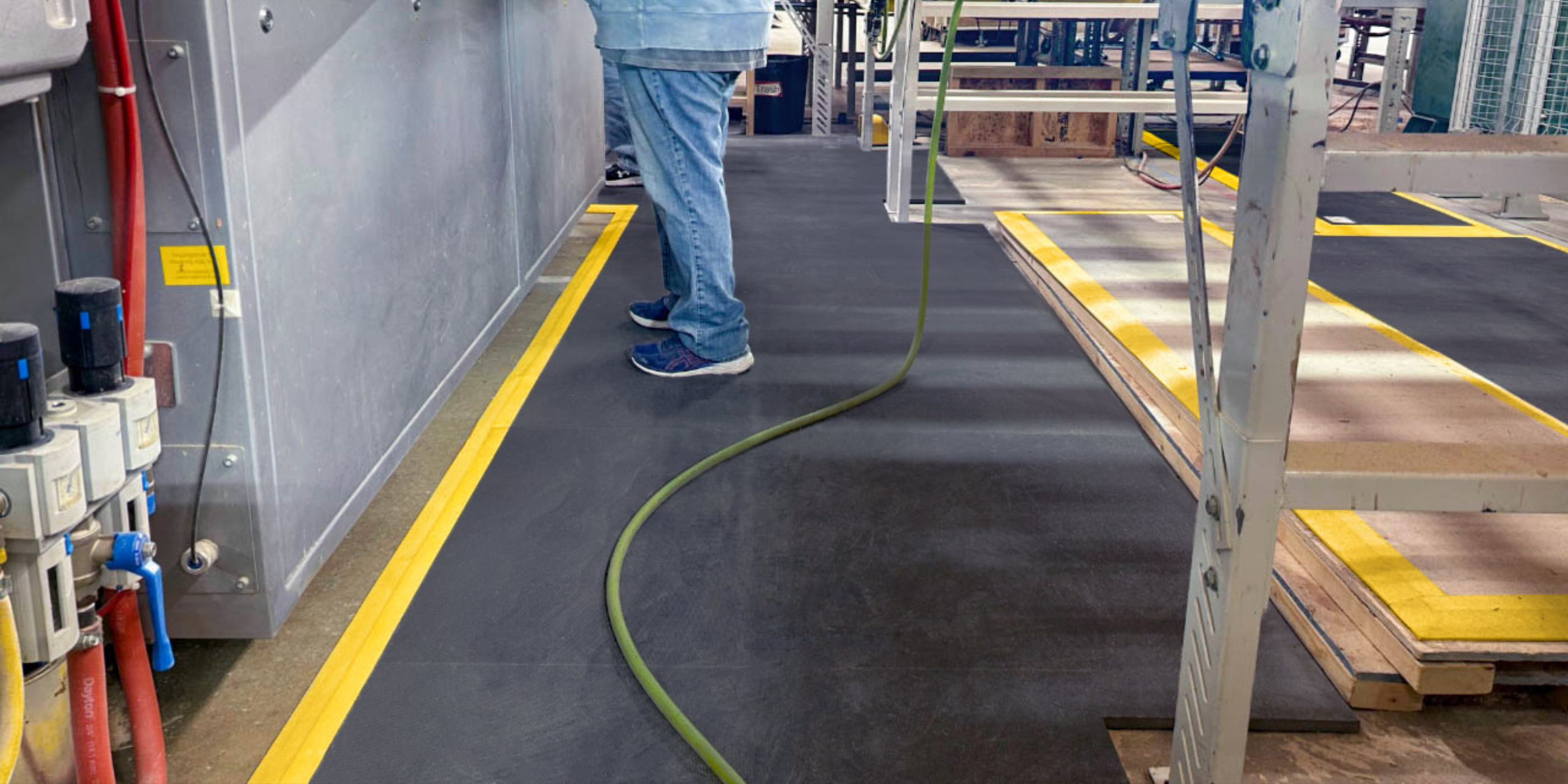
Unbonded seams allow you to wrap custom mats around columns and other equipment that reach all the way to the ceiling, more easily move larger mats for cleanings, and can simplify the installation of larger custom mats. Once your anti-fatigue mat is installed, seams can be quickly and easily bonded using the AcroMat Repair Kit.
How To Use Seam Tool: Learn how to use the Seam tool – including how unbonded seams can help with custom anti-fatigue mat design and installation.
This video is part of How To AcroSketch, a comprehensive video library designed to help you master our custom anti-fatigue mat building tool. The video library features a series of 2-minute explainer videos that walk you through every feature within AcroSketch.
Our goal with How To AcroSketch is to give you the tools you need to design your custom anti-fatigue mats quickly, with confidence, and without limit. Do you need help measuring your workspaces and/or designing your custom mats? Our team is readily available to lead the process on your behalf, from start to install.
Jump back to the How To AcroSketch video library, here.
View our Testing & Certifications page to learn about AcroMat's seam integrity, here.